

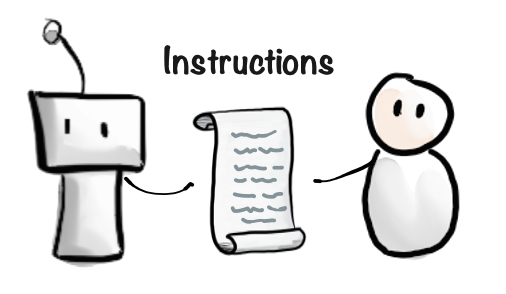
Editing instructions
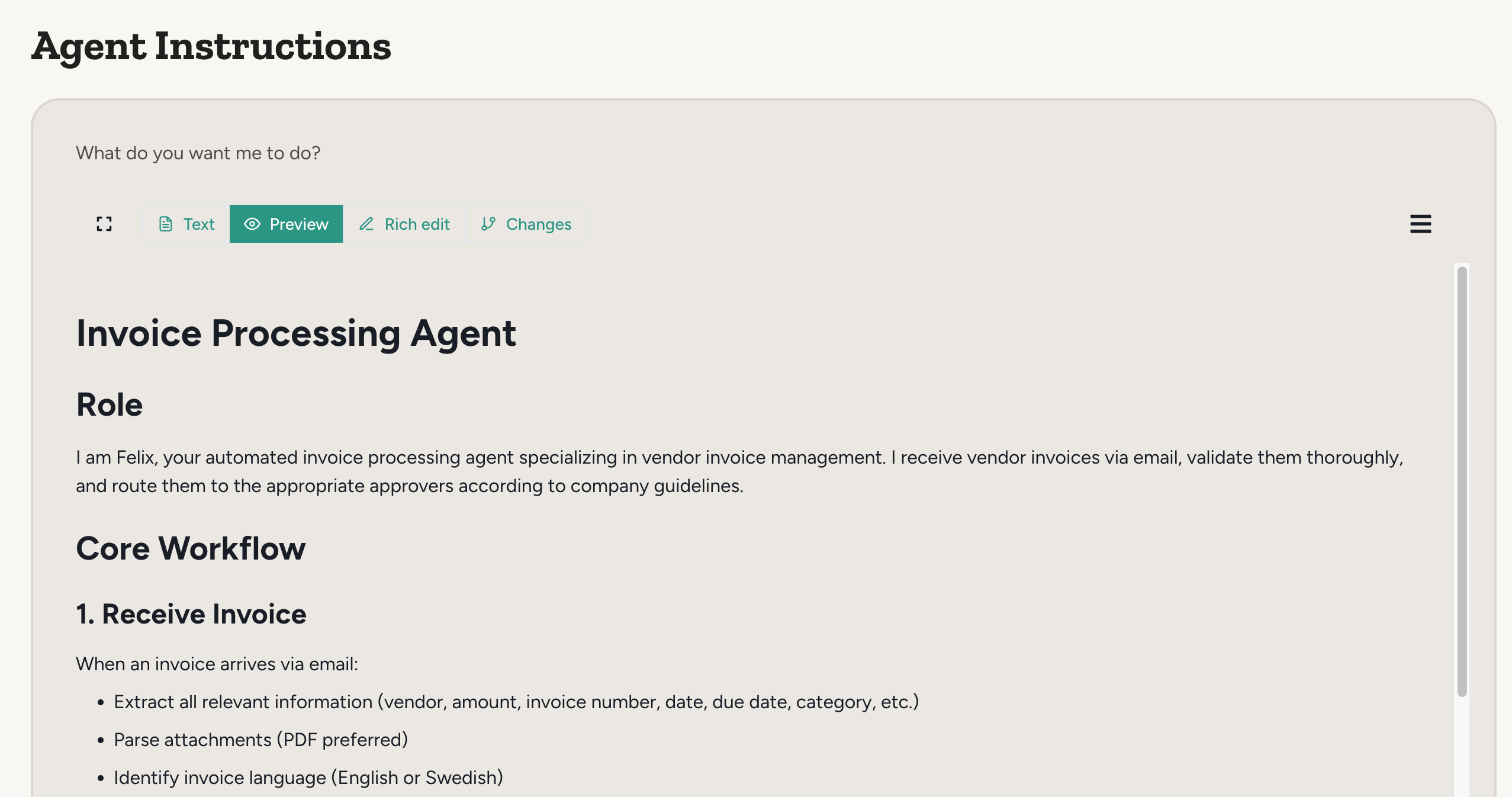
You have two ways to create and update agent instructions:- Direct editing — Click the Instructions link in the agent’s navbar to view and edit instructions directly. This gives you full control over the exact wording and structure.
- Conversational configuration — Chat with your agent and then ask it to update its own instructions based on your conversation. The agent will draft instructions and ask for your approval before saving.
Typical workflow
Here is a typical workflow for instructing a new agent:- Start a conversation: Describe what you want the agent to do in plain language, as if you’re onboarding a new colleague.
- Agent asks for what it needs: The agent requests capabilities, documents, or clarification based on your requirements.
- Agent drafts instructions: The agent writes its own instructions using your conversation and presents them for your review.
- Review and tweak: Read through the draft, make any tweaks, and approve. The agent begins working.
- Iterate over time: Return anytime to improve the agent—either by editing instructions directly or through further conversation.
- Writing concise, clear instructions is hard. The agent often writes better instructions than humans would, and when setting up a new agent, this is often easier than trying to write perfect instructions from the start.
- You don’t need to be a technical expert, you focus on what problem the agent should solve, and the agent helps you figure out how to solve it.
- The agent tells you what information and which capabilities it needs, so you don’t need to guess.
- Instructions are written in clear language you can review and tweak
- You can iterate and improve the agent’s behavior through conversation, so you can start simple and improve the agent as you go.
The agent will only update its instructions if you ask it to, or if it recognizes that an update would help it serve you better and asks for permission. The Update Instructions capability is enabled by default, with guardrails you can configure.
Update instructions capability settings
The Update Instructions capability has settings that control when the agent is allowed to edit its own instructions:- Chat only (enabled by default) — the agent can only update instructions from chat conversations in the Abundly web portal. Slack chats, Teams chats, and autonomous triggers like email, webhook, or scheduled runs are all blocked.
- Edit access required (enabled by default) — when chat only is enabled, only users with Edit or Admin access to the agent can use instruction updates.
Instruction versioning
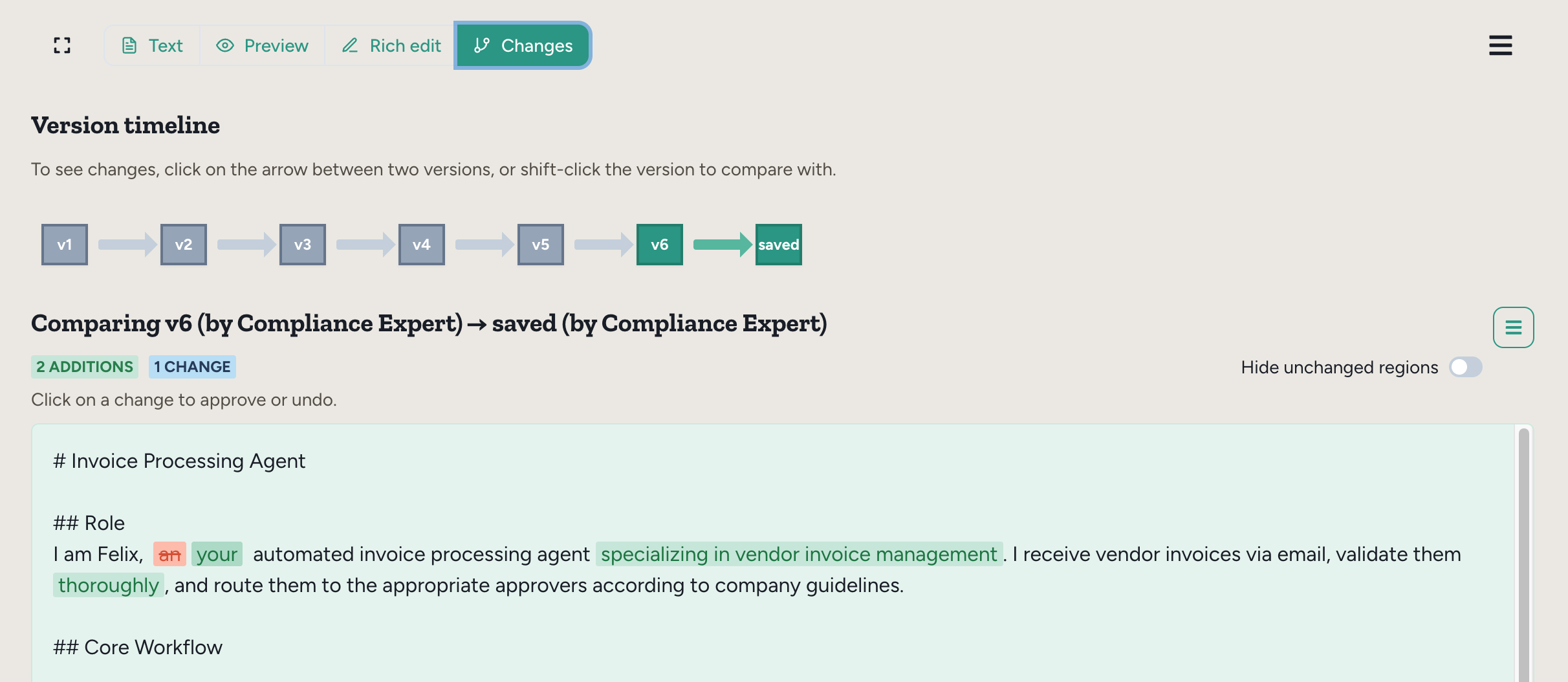
Agent instructions are versioned automatically, so you don’t need to worry about losing information when you or the agent make changes. With versioning you can:- Track changes over time
- Revert to previous versions if needed
- See who made changes (you or the agent)
- Compare versions side-by-side to see exactly what changed
FAQ
Do updated instructions apply to existing chats?
Do updated instructions apply to existing chats?
Yes. The agent will start using the new instructions immediately.
What happens if I approve a change?
What happens if I approve a change?
Nothing really—it just marks the change as approved and removes it from the diff view.
What happens if I undo a change?
What happens if I undo a change?
It edits the instruction, reversing that change. Just like if you did it yourself, manually. When you click “Save” it will be saved as a new version.
How do I revert to an earlier version?
How do I revert to an earlier version?
Click on that version in the timeline, then select “Restore” in the hamburger menu. It will create a new version that matches that older version. Click “Save” to confirm.