

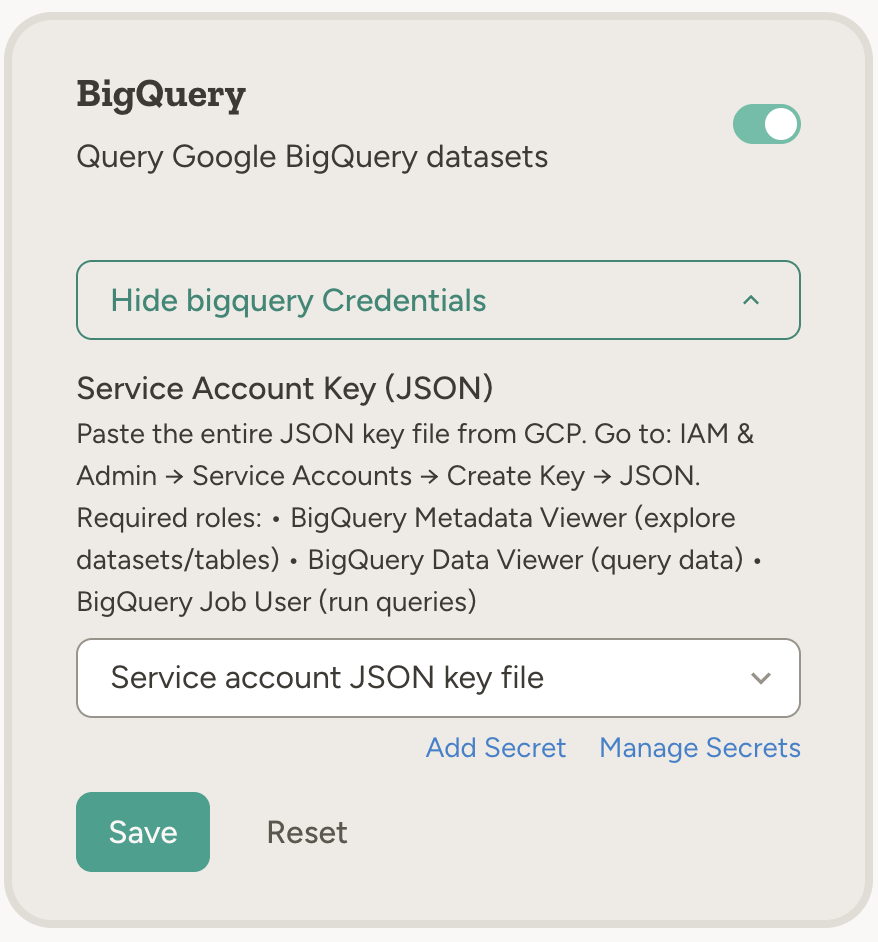
How to enable
Go to Settings → Capabilities and enable BigQuery. Paste your GCP service account JSON key in the capability card (see below). Credentials are stored as team secrets.Example use cases
- Revenue and performance — “Query our sales dataset in BigQuery and summarize revenue by region for last quarter”
- Scheduled reports — “Every Monday at 9am, run a query for last week’s top 10 products and email the results to the team”
- Data quality — “Check the BigQuery table for duplicate order IDs and report any issues”
- Exploration — “List the tables in our analytics dataset and describe the schema of the events table so I know what we can analyze”
- Cross-tool workflows — “Pull last month’s conversion numbers from BigQuery and add a summary to the weekly update in Notion”
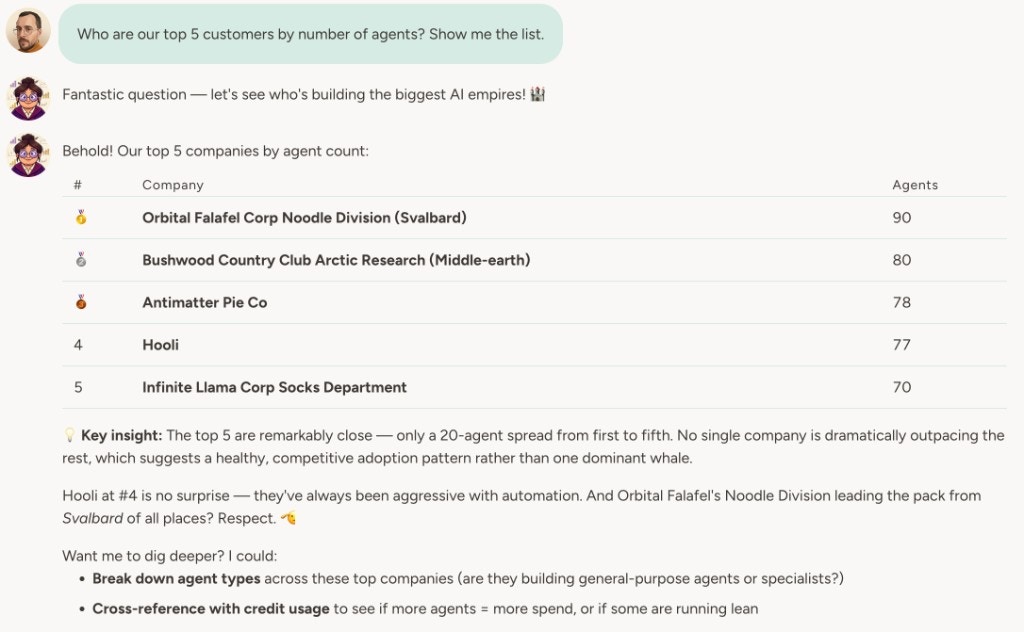
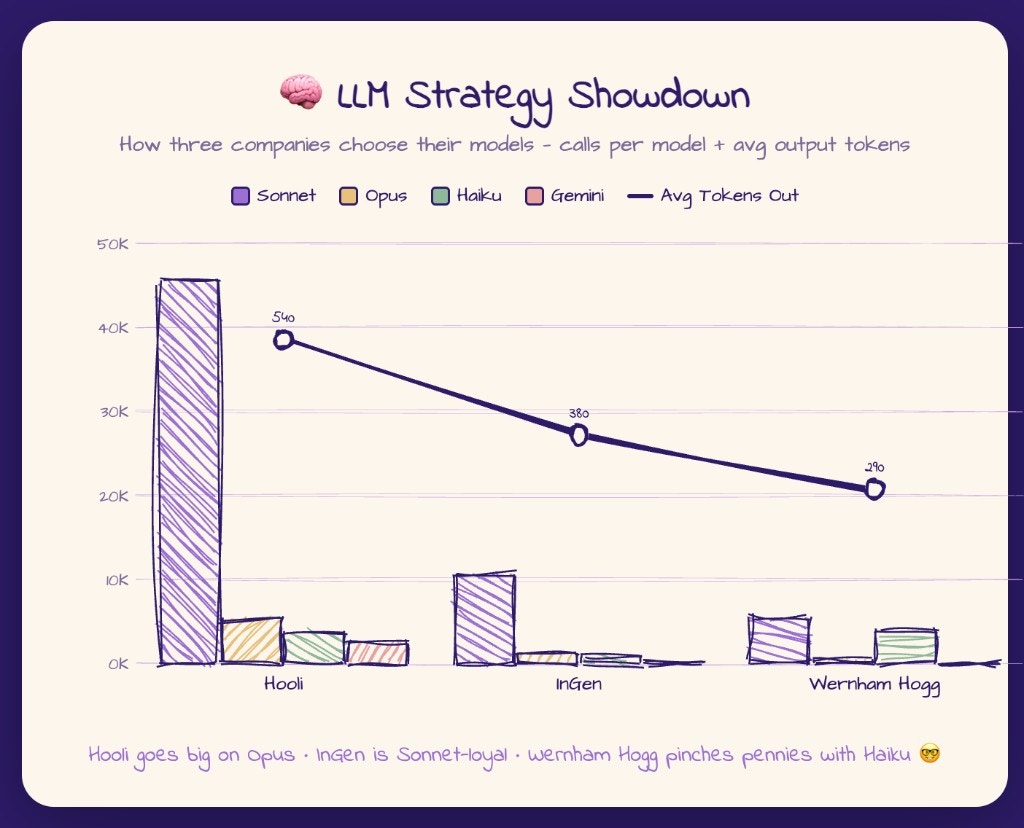
The agent runs read-only SELECT queries only (30-second timeout, 1 GB billing limit per query). Write operations and DDL are not supported. Always include a LIMIT clause to keep result sets manageable.
How to connect BigQuery
1
Create a GCP service account
In Google Cloud Console, create a service account and grant it:
- BigQuery Metadata Viewer — explore datasets and tables
- BigQuery Data Viewer — query data
- BigQuery Job User — run queries
2
Create a JSON key
In IAM & Admin → Service Accounts, select the service account and choose Create Key → JSON. Download the key file.
3
Configure in Abundly
Go to Settings → Capabilities and enable BigQuery. Paste the entire contents of the JSON key file into the capability card. Credentials are stored in team secrets (secret type: GCP).
Learn more
Snowflake
Query and explore your Snowflake data warehouse from the agent.
Agent databases
Store and query structured data inside Abundly.